









Submit a Service Ticket
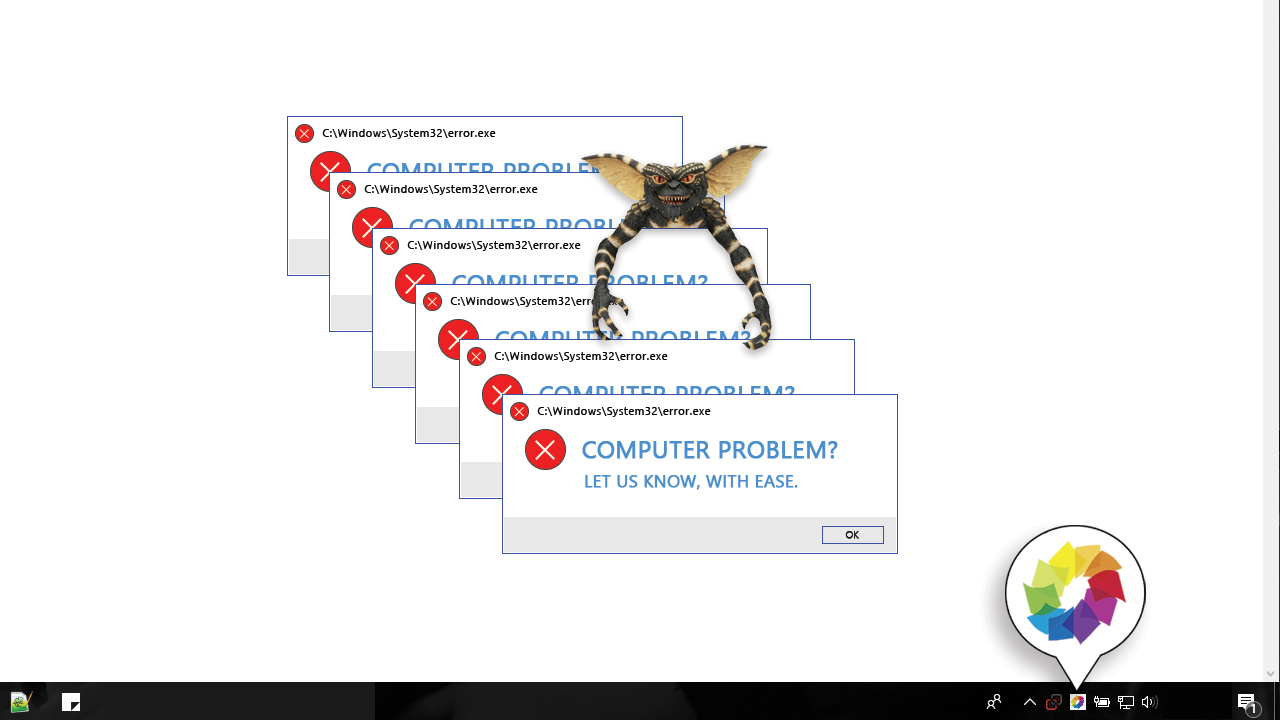
As a Miller MNS client you can open a service ticket with Ease. Below are four simple steps you can use to request service regarding any and all IT gremlins.
-
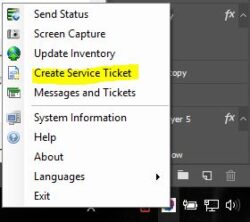
- Locate the Miller logo in your system trey
- Right click on the logo
- Select “Create a service ticket”
-
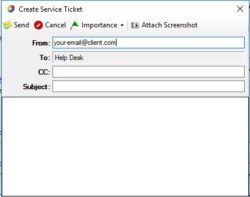
- Fill in the fields and click “Send”
- That’s it


Our Partners